

A playground for your space
Same home.
Whole new
feeling.
The bold kitchen. The warmer walls. The front door you keep imagining. Try a new look before you make it real.
Try a prepared sample now. Bring five of your own photos a week with a free account.
A little color changes everything.
Your design playground Interactive sample

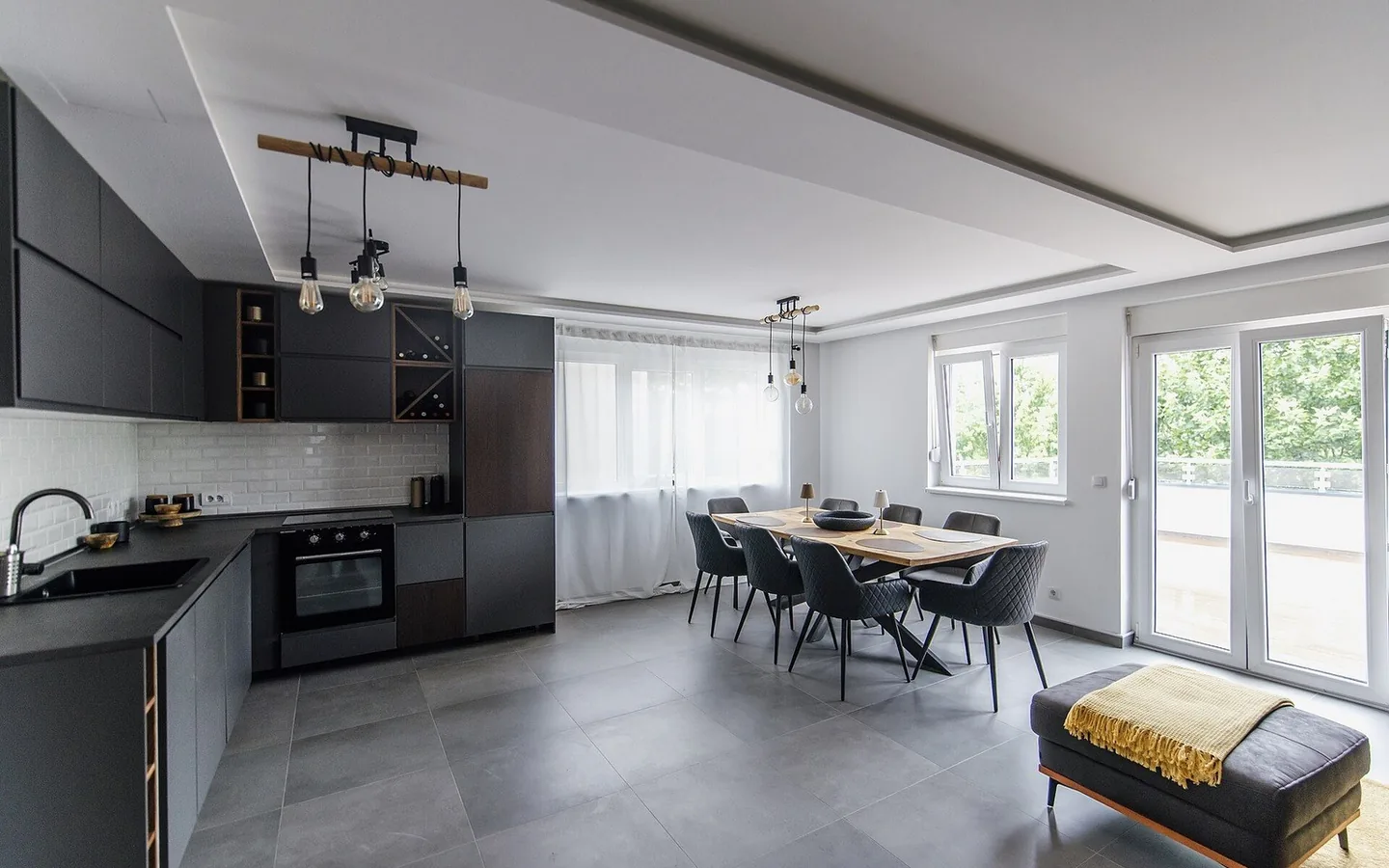
Charcoal kitchen
Choose a surface, then a paint color or finish.
Open full demoChoose a surface, then try a color or material.Go on, try a color. This is a working preview.
- 1 Pick a surface
- 2 Try a finish
- 3 Compare
From what is to what if
Your photo.
Your next great idea.
01
Bring your space
A room, a facade, a corner you love. Start with a photo.
02
Give it a moment
AI prepares the editable surfaces. New photos can take several minutes.
03
Follow your curiosity
Once prepared, colors and finishes change instantly. Compare as you go.
Try a different finish.
Choose a surface, pick a finish, and compare.
 Loading saved surfaces…
Drag to compare with your original.
Open full demoFloor finish
Light oak selected
Changes appear as you choose.Make room for a new idea
Love where you live.
Reimagine how it feels.
Start with a sample. Find a look you would love to come home to.